
We’ve all just getting over all the Black Friday deals, followed up by the Cyber Monday offers. My inbox was bursting at the seams…
I have to admit I was fairly restrained and only bought what was asked for (early Christmas shopping) and stuff I know we use all the time (dog food) – so yes I was controlled. Were you??
I must have heard half a dozen people talking about it – an email cull after the Thanksgiving weekend.
Unsubscribing to all the junk and unfollowing all the social media noise.I even heard Chris Evans, who I know you know I love and new BBC2 Radio DJ Scott Mills saving he spent a couple of (very satisfying hours) unsubscribing to all the junk…
Is it something you want to try?
Whichever email service you use, I’ve put together the following tips that will help you clean out your inbox and keep it in check going forward. Put away a couple of hours to really dig deep into this task, and you’ll come out feeling like a warrior. Seriously!
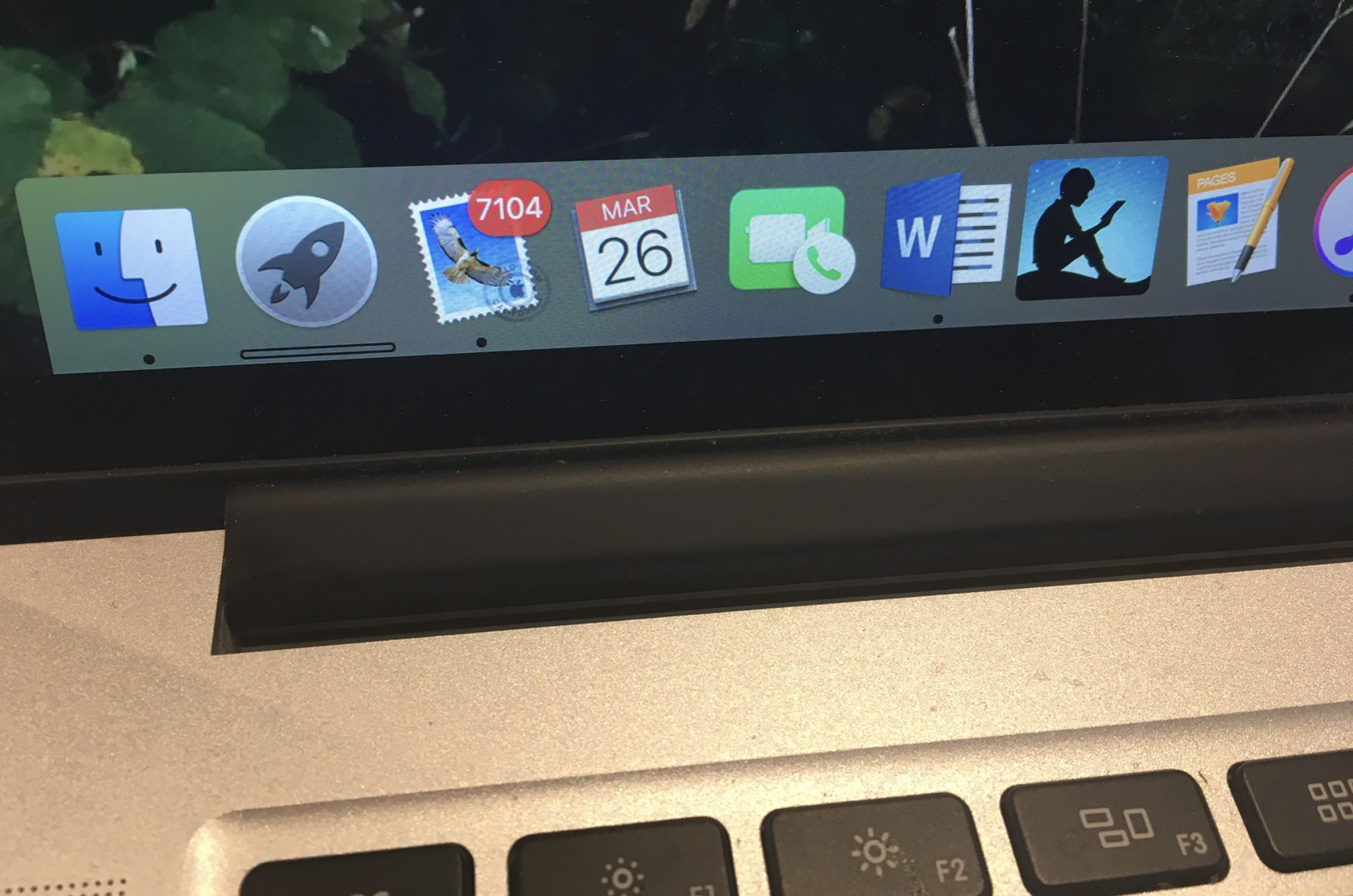
Full disclosure the image is an actual picture from a work colleague who felt permanently overwhelmed by her inbox – and she worked in email marketing!! She has eight emails and thousands of unread emails that she felt “tortured by” every single time she opened her email.
Try these easy to implement tips and see how it works for you – best of luck.
1. Set up Priority Inbox.
If you use Gmail, you may be missing out on a brilliant feature called Priority Inbox. Priority Inbox puts new emails in two different places within your inbox — one for ones it considers important, and another for ones it considers unimportant, based on the sender and subject line. Now, even though I might have 90+ new emails when I open my laptop in the morning, I can immediately see the 12 that need my attention, rather than getting lost in a sea of daily deal offers until lunch!
2. Unsubscribe from newsletters that haven’t won you over!
Do you just delete these unwanted emails every day instead of actually unsubscribing? Don’t worry, I am guilty of this too! They clog your inbox, waste your time checking them off and then pushing delete, and they make it harder for you to see the emails that actually matter.
Over a week or so, every time you get an email you do not want to receive, take the time to open it, scroll down, and figure out how to unsubscribe from the list. It will require a little more time upfront but it will pay off in the long run when the number of emails you receive on a daily basis goes way, way down.
3. Delete, archive, or mark as read emails that you do not care about.
Stop thinking aspirationally about what’s sitting in your inbox. You didn’t deal with these emails six months ago, and you’re not going to go through the shame of dealing with them this late in the game.
Look over every email with a critical eye and be brutally honest with yourself. Delete what you won’t need or won’t act on, and move the rest into folders. Don’t take more than 5 seconds to make a decision about an email. Any longer is too much of an emotional investment, and it’s a sign that you need to let that one go.
4. Add tasks and events from emails to your calendar then delete those emails.
This one just makes sense, but it took me decades to figure it out and make it a habit that sticks. Most calendars have a notes section, so you don’t need the email to store the details of an appointment or task.
5. Take every email that is 5 years or older and press delete.
Or at least put them away in a folder! Get into the habit of doing it every year – it’s liberating; saying goodbye to the old and hello to the new.
One Final Thought
Finally I had a boss once who HATED being cc and blind copied into emails – so he set up a rule to automatically delete those emails – he never saw them.
His view was that they were probably “cover my arse” emails and therefore he wasn’t interested. He thought IF they were important enough people would ask again, or chase him for a response.
I tried it once – it worked a dream! Reduced by inbox by over 60% and stopped people “covering their ars*” and make them take accountability for their actions, and fight their own battles.
These are magical, easy to implement tips to effectively manage your email overload – the work! The magic? Well you have to use them, not just read about them!!
Do you have any other life saving tips for decluttering a stuffed to the brim inbox? Please share them with us and leave a comment below!